

Your annual credit report is the record the three nationwide credit bureaus — Equifax, Experian, and TransUnion — keep about how you have used credit: accounts opened, balances, payment history, and who has checked your file. It is available free through AnnualCreditReport.com, the only website authorized by federal law to provide it.
Despite the name, you can now pull each bureau's report free once a week, and checking your own report never hurts your credit score.
Quick Answer – Go only to AnnualCreditReport.com — type the address yourself, do not follow links from emails, ads, or texts. – Your annual credit report from Equifax, Experian, and TransUnion is free once a week from each bureau. – You will need your name, address, Social Security number, and date of birth to verify your identity.
– Review every section, and dispute errors with the bureau and the company that reported the information. – A credit report is not a credit score. The free report does not have to include a score.
Credit Report vs. Credit Score: What You Are Actually Getting
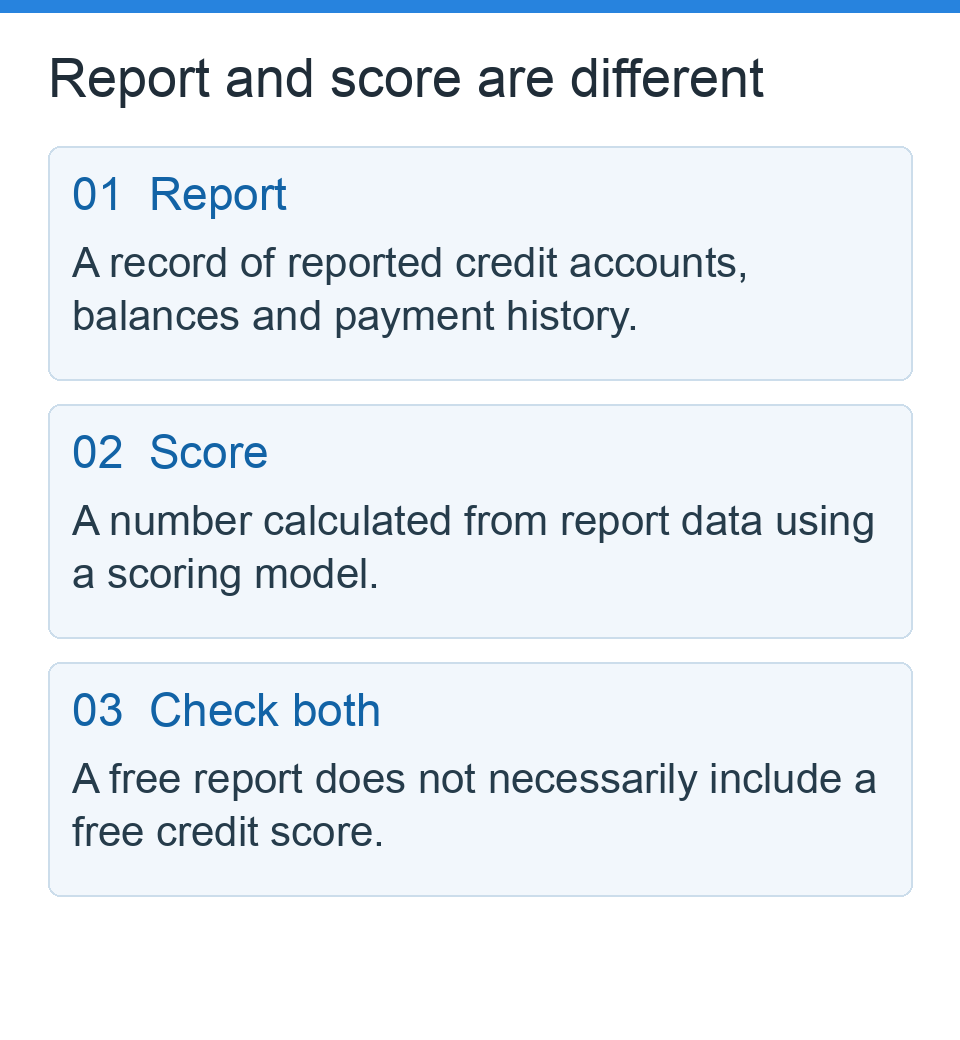
Many people use “credit report” and “credit score” as if they were the same thing. They are not.
A credit report is the underlying record — accounts, balances, payments, inquiries, and public records such as bankruptcies. A credit score is a number calculated from that record at a moment in time. Our pillar guide, Credit Scores Explained, covers how that number is built.
This distinction matters because a score can only be as accurate as the report behind it. An error in the report — someone else's account, a wrong balance, a payment marked late that was on time — can pull a score down for reasons that have nothing to do with your behaviour.
Reviewing the report is also free, while scores shown elsewhere may come from different models and may not match the score a lender sees.
What the Law Gives You
Under the Fair Credit Reporting Act (FCRA), you are entitled to a free annual credit report from each bureau every 12 months. On top of that, the bureaus have permanently extended a program letting you check each report once a week for free through AnnualCreditReport.com, according to the Federal Trade Commission (FTC).
You may also be entitled to an additional free report after being denied credit, housing, insurance, or employment based on your report (generally within 60 days), after placing a fraud alert, or if you are a victim of identity theft.
Step-by-Step: How to Request Your Reports
Step 1: Go to the official site the safe way
Type AnnualCreditReport.com directly into your browser's address bar. The FTC warns that impostor sites use similar names or misspellings, may charge fees, or may collect your personal information. The official site will not ask for a credit card for your federally authorized free reports. You can also request reports by phone at 1-877-322-8228
, or by mail using the Annual Credit Report Request Form listed on the official site.
Step 2: Verify your identity
You will provide your name, current address (and previous address if you moved recently), Social Security number, and date of birth. The site may ask security questions from your credit history to confirm the requester is you. If it cannot verify you, do not keep guessing — use phone or mail instead.
Failed verification is common after a move or name change and is not by itself a sign of a problem.
Step 3: Choose which bureau reports to view
You can request your annual credit report from all three bureaus at once, or spread the requests out. Each bureau may hold slightly different information, because not every lender reports to all three:
| Approach | How it works | Best for |
|---|---|---|
| All three at once | Pull Equifax, Experian, and TransUnion on the same day | A full check before a mortgage or auto loan application |
| Staggered | Pull one bureau’s report every few months | Ongoing monitoring through the year |
| Weekly checks | Use free weekly access after a dispute or identity-theft concern | Watching for a correction or suspicious account |
Step 4: Save or print each report immediately
Download or print each report before you log out, and note the date and bureau. A dated copy makes later comparisons — and disputes — much easier.
Step 5: Review it section by section
Work through the report in this order: personal information (check names and addresses — an address you never lived at is a warning sign); accounts (recognize every card, loan, and mortgage, and check balances and payment history, especially accounts marked late that you believe were on time); credit inquiries (look for hard inquiries
from lenders you did not apply with — an unfamiliar one can be an early sign someone applied in your name); and collections and public records (confirm the account is yours and amounts and dates are correct; bankruptcies should fall off after generally seven to ten years, depending on type).
Worked example: why one wrong balance matters
Suppose a report wrongly shows a $2,000 balance on a card with a $5,000 limit that you actually paid to $0:
$2,000 ÷ $5,000 × 100 = 40% utilization — when your real utilization on that card is 0%.
As our credit utilization ratio guide explains, higher reported utilization can weigh on scores. Correcting one wrong balance can matter more than months of small habits — which is why reviewing the report comes before optimizing the score.
How to get your credit report by mail or phone
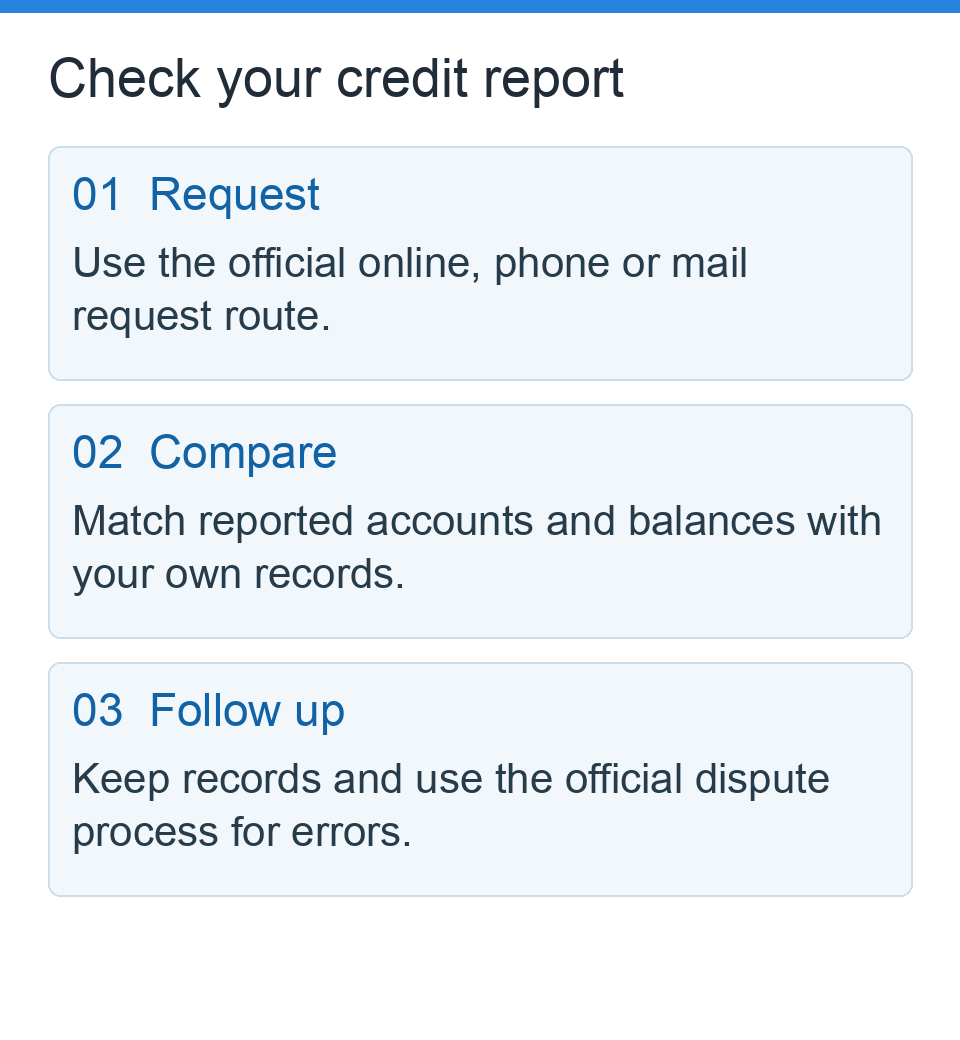
If you cannot complete the online identity check, do not send your Social Security number to a website that promises to unlock the report. The FTC lists the official request channels: AnnualCreditReport.com, 1-877-322-8228, or the Annual Credit Report Request Form linked from the official service.
For a mailed request, follow the form’s current instructions and send it to Annual Credit Report Request Service, P.O. Box 105281, Atlanta, GA 30348-5281. The FTC says mailed requests are processed and the reports mailed within 15 days after receipt; identity-verification questions can take longer. That is a processing window, not a guaranteed delivery date.
If an online request fails
- Check that you typed the official address yourself and that your identifying information is accurate.
- Use the official phone or mail route instead of repeatedly guessing verification answers.
- Keep a private record of when and how you requested each bureau’s report. Do not put account numbers, identity documents, or your Social Security number in comments or email to Zarvis.
- Once the report arrives, compare accounts and reported balances against your records before starting a dispute.
How to Dispute an Error
If you find information on your annual credit report that is wrong or does not belong to you:
- Dispute with the credit bureau that issued the report — online, by phone, or by mail (mail creates a paper trail). Keep copies of everything.
- Contact the company that furnished the information — the issuer, lender, or collector — and dispute the same item with them, identifying the account, what is wrong, and including copies (not originals) of supporting documents such as statements or payment confirmations.
Under the FCRA, bureaus generally have 30 days to investigate a dispute (sometimes up to 45 days in defined circumstances, such as sending additional information during the investigation). If the information cannot be verified, it must be corrected or removed, and the bureau must tell you the result. If you disagree, you can add a short statement of dispute to your file.
The Consumer Financial Protection Bureau (CFPB) publishes step-by-step dispute guidance, including sample letters, and accepts complaints if a dispute is not handled properly.
Staying Safe While You Check
- Never pay for your federally authorized free annual credit report. If a site asks for a card first, leave.
- Avoid public Wi-Fi for a request involving your Social Security number.
- Watch for look-alike addresses. One changed letter can land you on an impostor site.
- Ignore emails or texts claiming to be from the bureaus asking you to “verify” information through a link. Go to the site yourself.
- Consider a free security freeze if you see accounts you do not recognize. It restricts access to your report and can be lifted when you apply for credit. Report suspected identity theft at IdentityTheft.gov.
Checking your own report is a soft inquiry: visible to you, unused by scoring models, and with no effect on your score — so there is no credit cost to checking weekly.
How Often Should You Review Your Report?
At minimum, review your annual credit report from all three bureaus once a year, and again several months before a major application such as a mortgage, so you have time to dispute errors — a lender will see the report as it stands on the day it pulls it. If you are actively working on your file, follow
How to Improve Your Credit Score: 5 Proven Steps Without Risky Shortcuts and recheck after each correction should have posted.
Frequently Asked Questions
Is AnnualCreditReport.com really free?
Yes. It is the only website authorized by federal law to provide your free annual credit report from Equifax, Experian, and TransUnion — one per bureau every 12 months by law, plus permanently extended free weekly access through the same site.
Does checking my own credit report lower my score?
No. Checking your own annual credit report is a soft inquiry, and soft inquiries do not affect scores at all. Only hard inquiries — typically when a lender checks your report because you applied for credit — can affect a score, usually by a small amount for a limited time.
What if I find an account I do not recognize?
Treat it seriously — it may be a reporting mix-up or a sign of identity theft. Dispute it with the bureau, contact the company listed, consider a free security freeze or fraud alert, and, if you suspect identity theft, create a recovery plan at IdentityTheft.gov.
How long do errors take to fix?
Bureaus generally have 30 days to investigate (in some circumstances up to 45 days) and must then notify you of the result. If the information is wrong or cannot be verified, it must be corrected or deleted. Keep your dispute records until the correction appears on a fresh copy of the report.
Bottom Line
Your annual credit report is the source document behind every credit score you will ever see. Pull all three bureau reports free from the one authorized site, save dated copies, check every account and inquiry, and dispute anything wrong — with the bureau and the furnisher, before paying for monitoring or any improvement service.
Editorial note: Zarvis provides general educational information only — not personalized financial, legal, tax, or credit advice. This article does not guarantee any score change, approval, or dispute outcome. Credit reporting rules and bureau programs can change; verify current terms and procedures directly with AnnualCreditReport.com, the credit bureaus, the CFPB, and the FTC before you act.
Sources
- Federal Trade Commission (FTC): Free Credit Reports — https://consumer.ftc.gov/articles/free-credit-reports
- Federal Trade Commission (FTC): You now have permanent access to free weekly credit reports — https://consumer.ftc.gov/consumer-alerts/2023/10/you-now-have-permanent-access-free-weekly-credit-reports
- AnnualCreditReport.com — the federally authorized site for free credit reports from Equifax, Experian, and TransUnion
- Consumer Financial Protection Bureau (CFPB): How to dispute an error on your credit report — https://www.consumerfinance.gov/ask-cfpb/how-do-i-dispute-an-error-on-my-credit-report-en-314/
- Federal Trade Commission (FTC): IdentityTheft.gov — https://www.identitytheft.gov

Pingback: Credit Scores Explained: Ranges, Factors and Common Misconceptions - Zarvis | US Personal Finance & Credit Guides
Pingback: How to Improve Your Credit Score Without Risky Shortcuts - Zarvis | US Personal Finance & Credit Guides
Pingback: Soft Inquiry vs. Hard Inquiry: Credit Impact and Examples - Zarvis | US Personal Finance & Credit Guides
Pingback: What Is the Highest Credit Score? Essential Facts About 850 and Whether It Matters - Zarvis | US Personal Finance & Credit Guides